Auto-scroll in a real Short
The Short plays as usual, and Shorts Scroll switches to the next one only after the current one finishes.
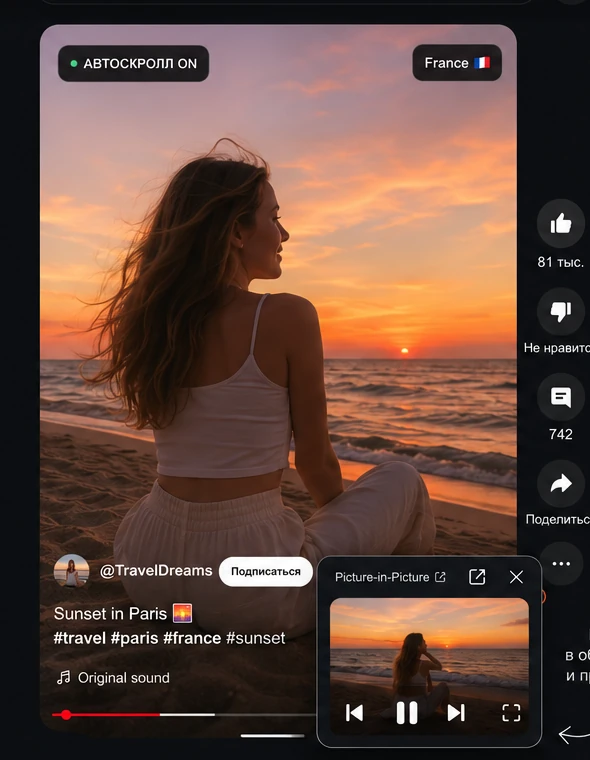 ● AUTO SCROLL ON
Hands-free: the next Short starts automatically.
Watch real YouTube Shorts your way: auto-advance after a Short truly ends, Picture-in-Picture, a managed player, filters and stats right over the feed.
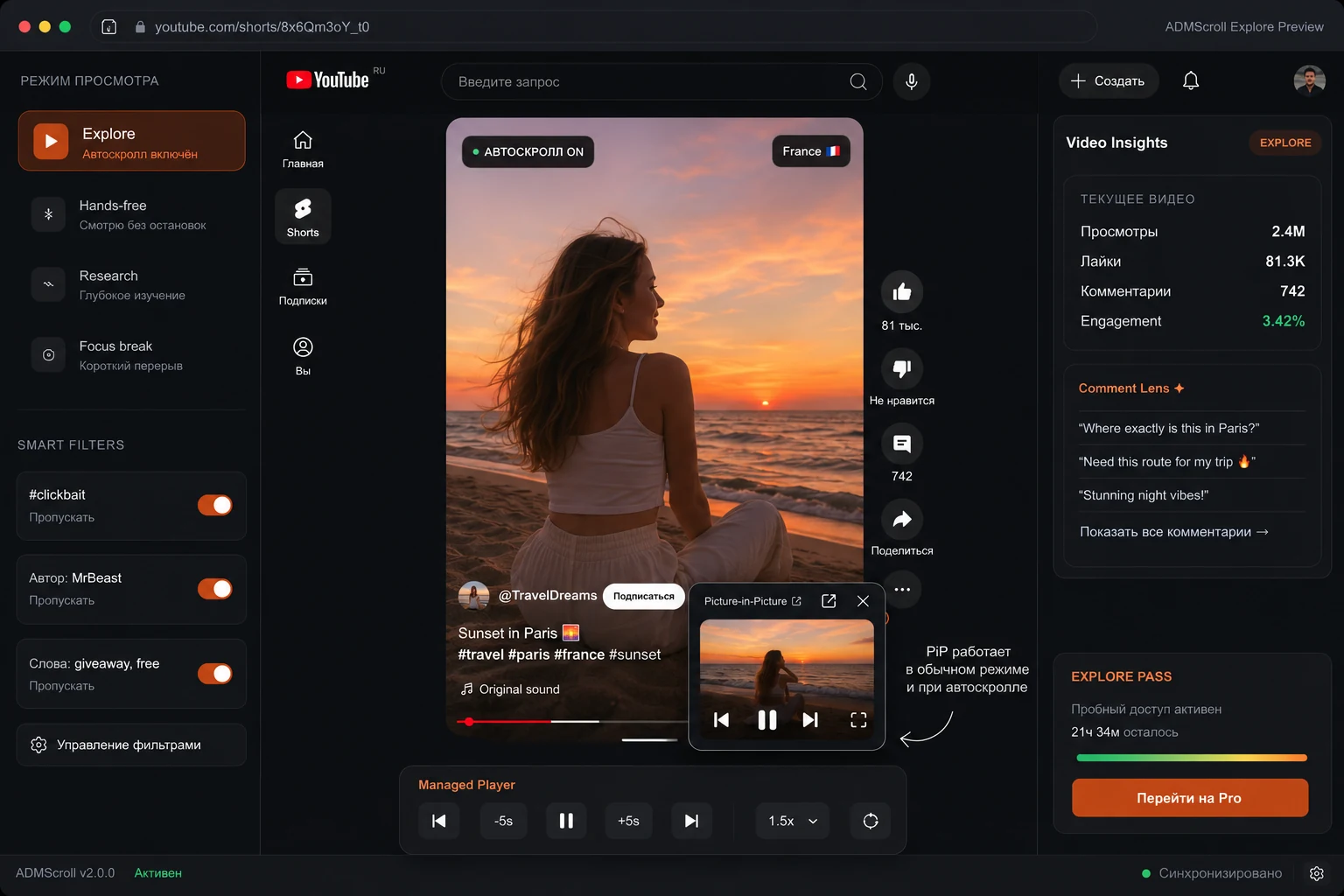
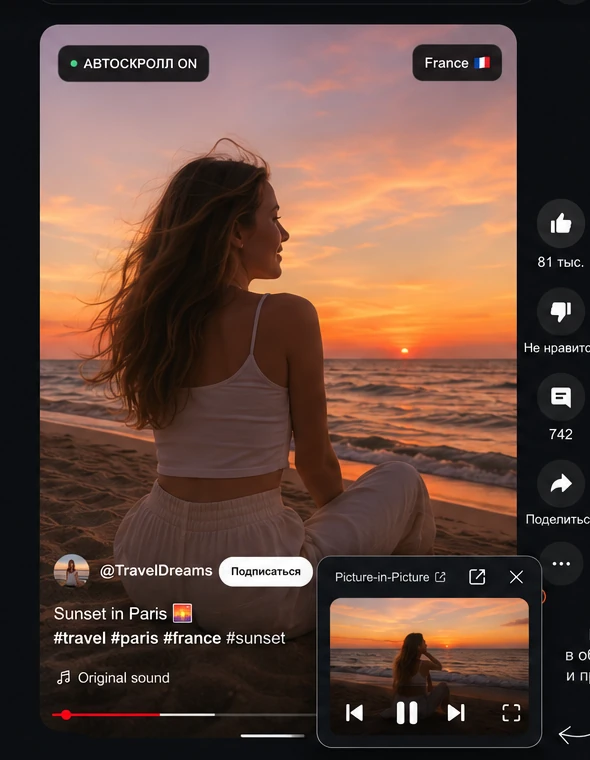
Shorts Scroll does not replace Shorts with a weird separate screen. It adds features right into the usual viewing: auto-advance, a PiP window and video control.
The Short plays as usual, and Shorts Scroll switches to the next one only after the current one finishes.
● AUTO SCROLL ONPop a Short into a small window and keep working. PiP runs on its own — auto-scroll is not required.
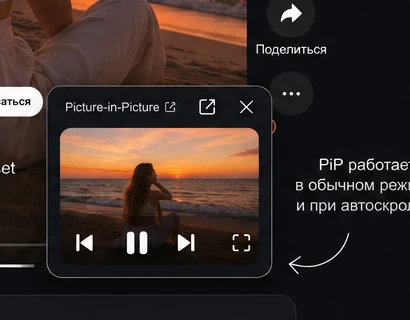 Picture-in-Picture
Auto-advance to the next Short after the current video ends.
Watch over other tabs and apps — even without auto-scroll.
Speed, seek, loop, next and previous video.
Skip unwanted creators, topics and hashtags automatically.
Shorts Scroll is a Chrome extension that adds auto scroll (autoscroll) to YouTube Shorts. The next Short starts automatically the moment the current clip truly ends — no blind timer and no touching the mouse.
Beyond autoscroll you also get Picture-in-Picture (PiP), a managed player with speed, seek and loop, smart filters by channel and keyword, plus stats and top comments over the Shorts feed.
Basic YouTube Shorts auto scroll is free. Install the extension, pick your interface language and watch Shorts more comfortably — on desktop, fully hands-free.
Install Shorts Scroll from the Chrome Web Store, open youtube.com/shorts and hit Start in the widget. The next Short plays by itself the moment the current one ends — no blind timer.
Yes — that is the point. Auto scroll advances Shorts automatically and keeps working even when the tab is in the background.
Yes. Basic Shorts auto-scroll is free forever, and right now signing up unlocks every feature for free (promo).
No. Picture-in-Picture is a standalone feature and works in normal Shorts viewing.
In the managed player tap PiP — the Short pops into a separate window above your other tabs and apps.
The interface is available in 13 languages, including English, Russian, Chinese and Spanish.
Install Shorts Scroll for free and try Explore whenever you want PiP, analytics and full control over viewing.